PAX Demonstration
On this page you will find a set of examples, demonstrating some of the capabilities of the PAX library. Most example have an
explanation, and code to show how it works.
Core PAX functionality
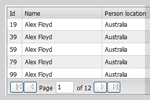
Datagrid (ajax)
Ajax driven data grid with many display and formatting options
|
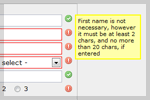
Validation (simple)
Various standard form field validation options including: numeric, alpha, length, notEmpty, etc...
|
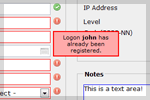
Validation (extended)
Extended form field validation including: managed ajax queries, input widgets, custom validation, etc...
|
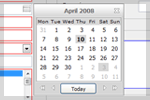
Date picker widget
Widget for simple input of dates, with format validation, and the ability to calculate dates from strings, eg: 'tomorrow'
|
Tabset widget
Widget that shows a set of tabs, based on either HTML markup, javascript, iframe or ajax data
|
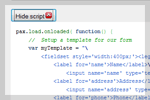
Templates
A bunch of examples of how to use PAX templates, including partial rendering
|
PAX plugins
Anything that is not considered 'core functionality' is created as a widget plugin; such widgets usually include functionality that
is very specific to a certain type of application. These include (but are not limited to):